
01 Inventory
See every product across every branch
A live picture of stock — what you have, where it sits, how it’s moving, and exactly when to reorder.
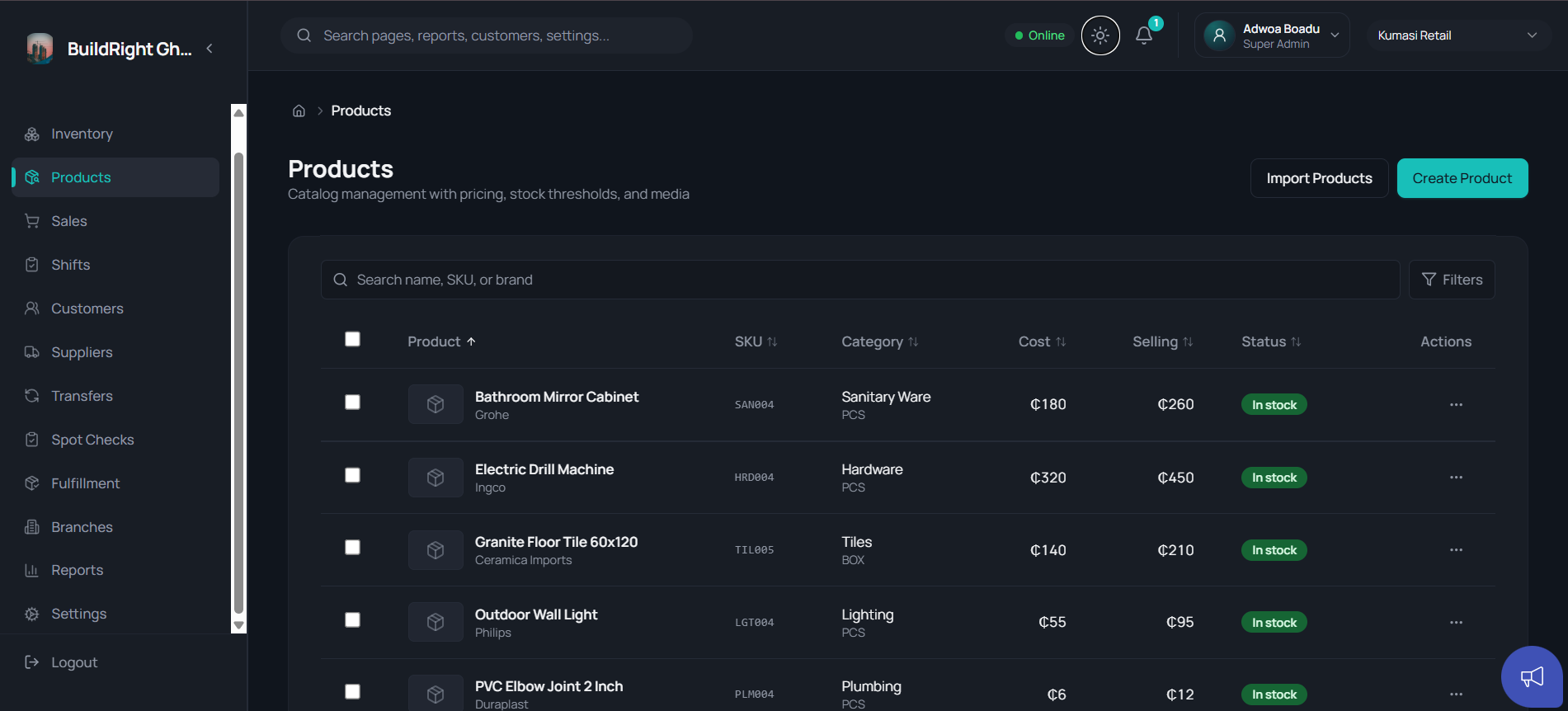
One reliable place to manage your inventory across every branch.
No more end-of-month surprises.
One system behind every counter, branch and back office
The real Nexstock workspace — live stock, sales, transfers and cash across every branch.
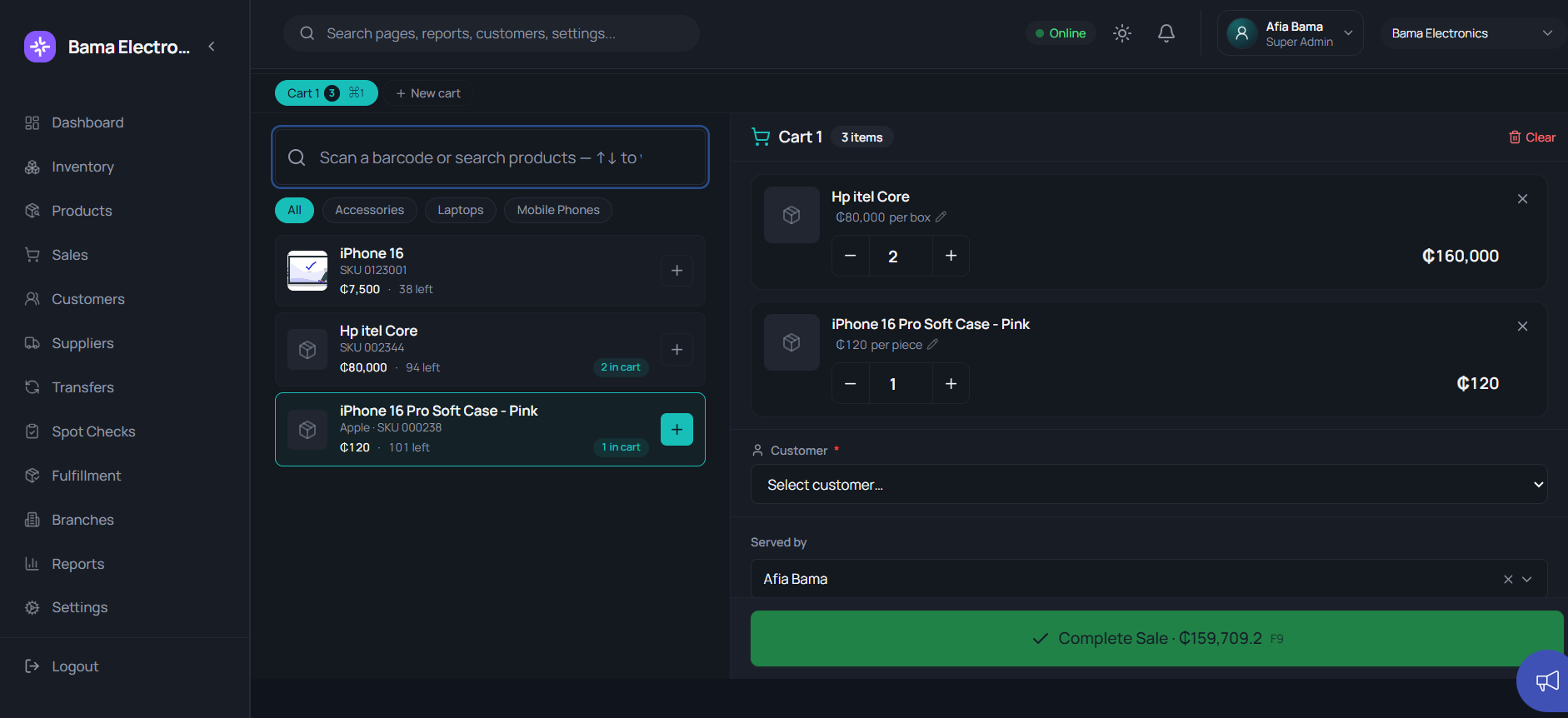
Create your business, add products, branches and stock, then set staff, manager and owner access.
Sell at the POS, move stock between branches, reconcile cash shifts and run spot checks — every branch on one source of truth.
Filter and export reports to PDF or Excel, and step into the private Owner Workspace for money, risk and performance.
Inventory, POS, transfers, cash control and owner reporting — working off one live source of truth, from the counter to the corner office.
A live picture of stock — what you have, where it sits, how it’s moving, and exactly when to reorder.
Live branch-level sales, replenishment pressure and performance — side by side.
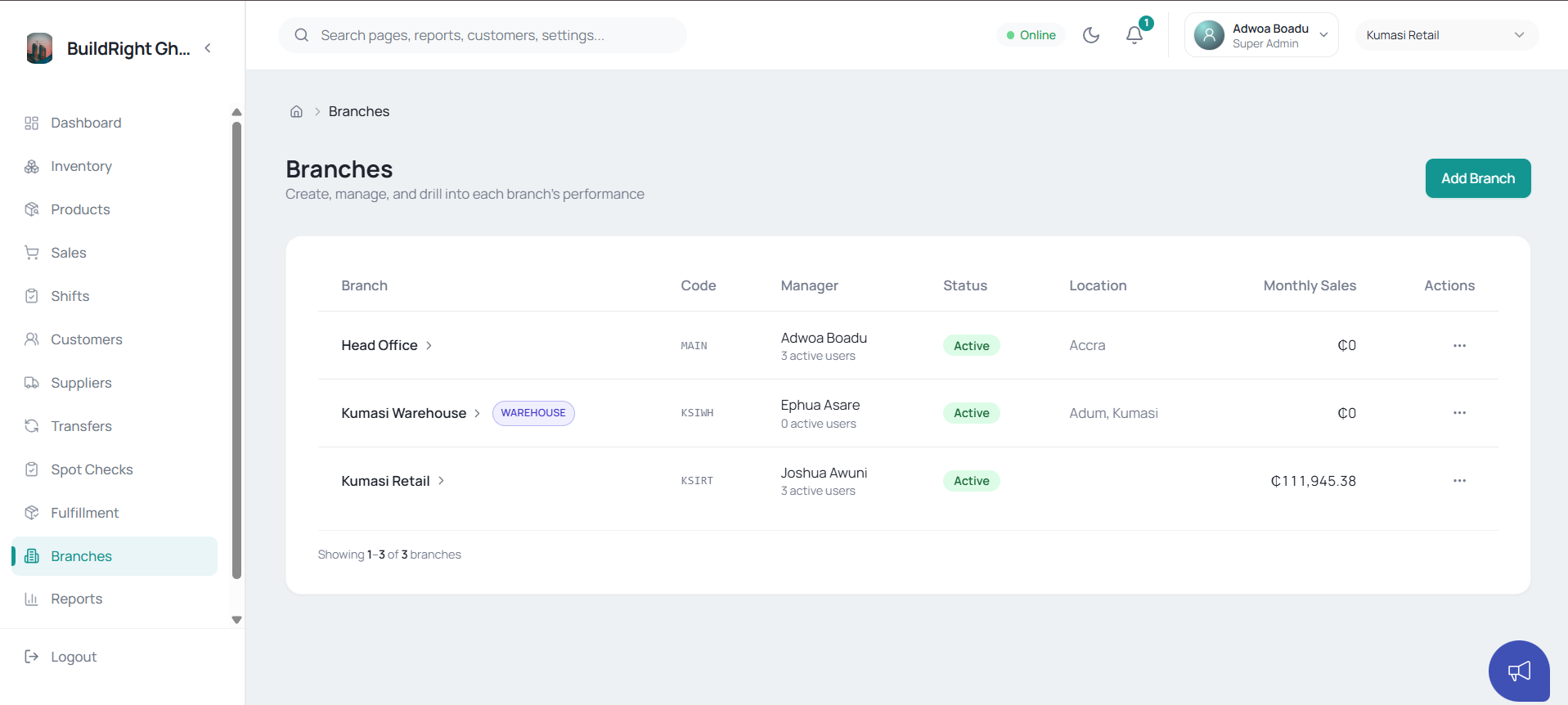
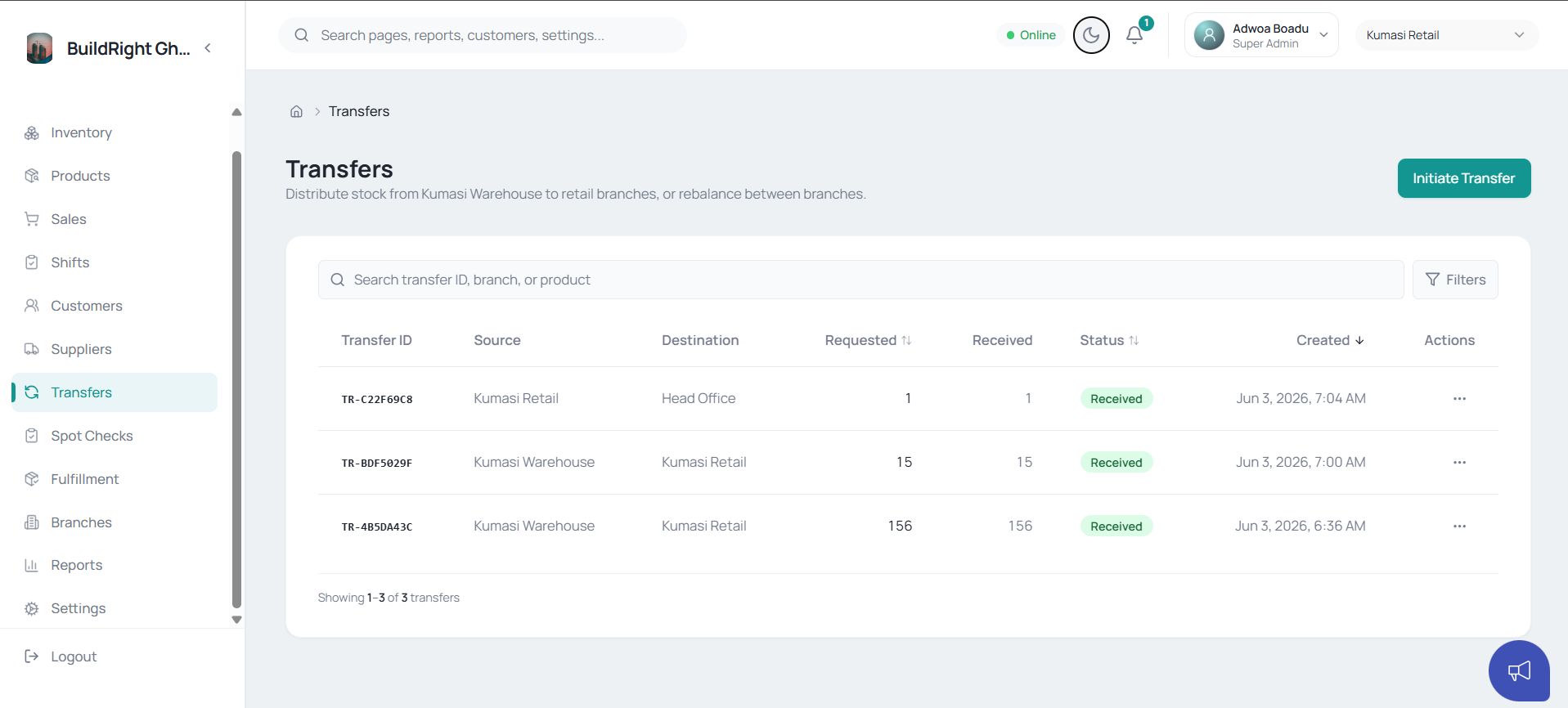
Staff open a shift, sell through it, and close it by counting the drawer. Nexstock compares expected to counted, flags the difference, and routes short shifts to a manager.
Replace scattered files, WhatsApp threads and paper records with a single shared system that every branch reads from.
One operating picture of stock, sales and transfers across every location — without phoning each branch for an update.
Cash shifts reconcile the drawer and spot checks catch shrinkage — so leakage gets caught early, not at year-end.
Branch-aware permissions and owner-only routes keep staff operations and private owner insight cleanly distinct.
Start free on a single branch and grow into a chain — every plan includes the offline-first POS, inventory and sales.
(Running many branches? talk to us about volume pricing)
Free on a single branch · no card required
Get StartedPriced per branch
Get StartedEverything in Starter, and
Priced per organisation
Get StartedEverything in Growth, and
Talk to us for pricing, branch-count discounts, onboarding and data-import help.
FAQs
Yes. Nexstock is built for multi-branch operations — stock, transfers, cash shifts and sales are all visible across locations from a single workspace.
Yes. The POS is offline-first — your team keeps selling during an outage and everything syncs automatically once the connection returns.
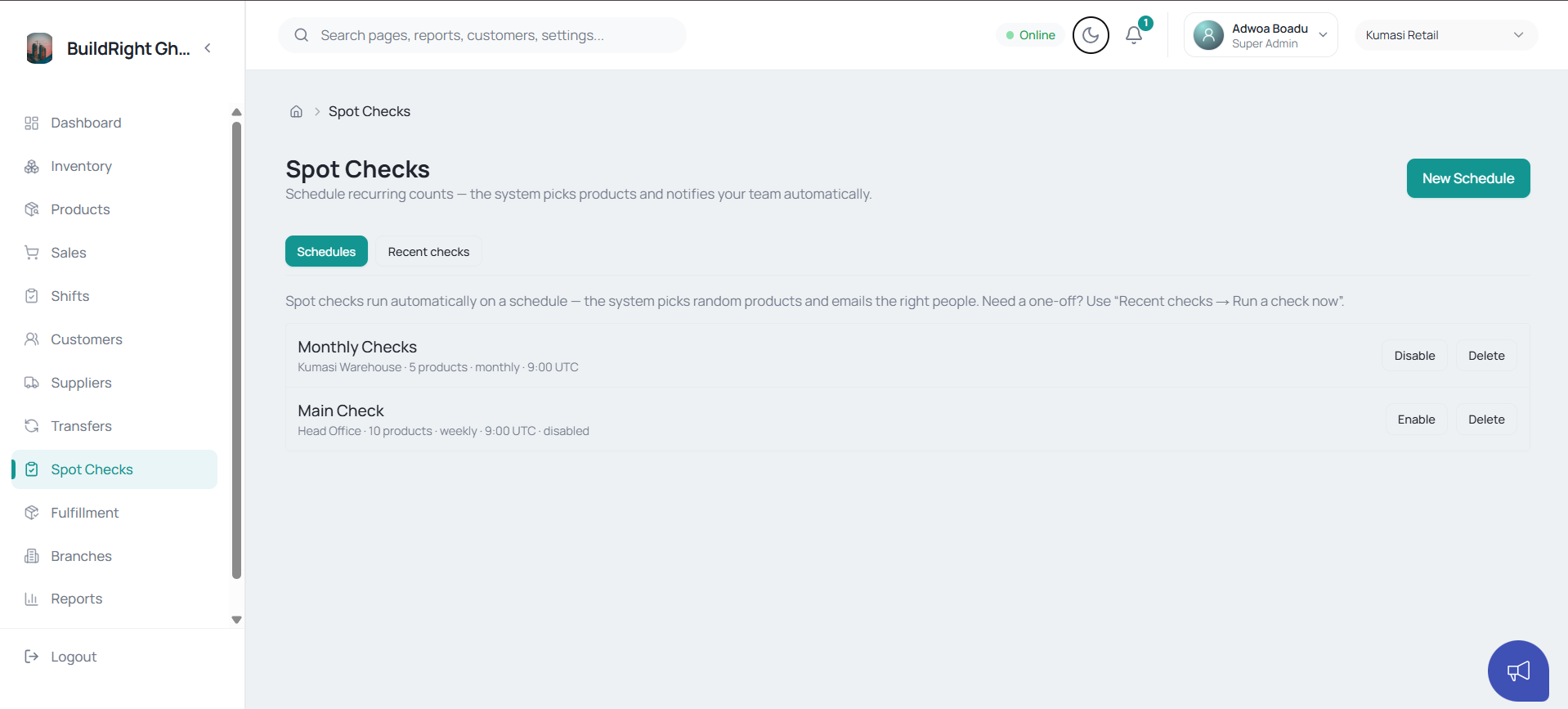
Spot checks run scheduled or surprise counts and flag every variance, while cash shifts reconcile the drawer at close and route short shifts to a manager for review.
Yes. The Owner Workspace is separate from the staff app and can be restricted to the organisation creator or users explicitly allowed.
Yes. Print configuration supports business details, header and footer messaging, tax rates, live preview and different paper sizes.
Yes. You can set customer credit limits, take partial payments, and track what’s still outstanding against each customer.
Yes. Permissions are branch-aware and role-aware, with owner-only routes, two-counter mode, and controlled delegated access.
Bringing existing stock, product, customer and supplier files in during onboarding is part of the standard switch process — talk to us about your current format.
The web app is responsive and installable — staff and managers can sign in from a phone to record sales, check stock or receive transfers on the move.
Yes — start free on a single branch, or book a demo and we’ll walk you through the platform on a working sample workspace.
Inventory, POS, transfers, cash and owner oversight — one offline-first system for every branch.